Skill Street000%

Skill Street presents

not just aVideo Editing Course.

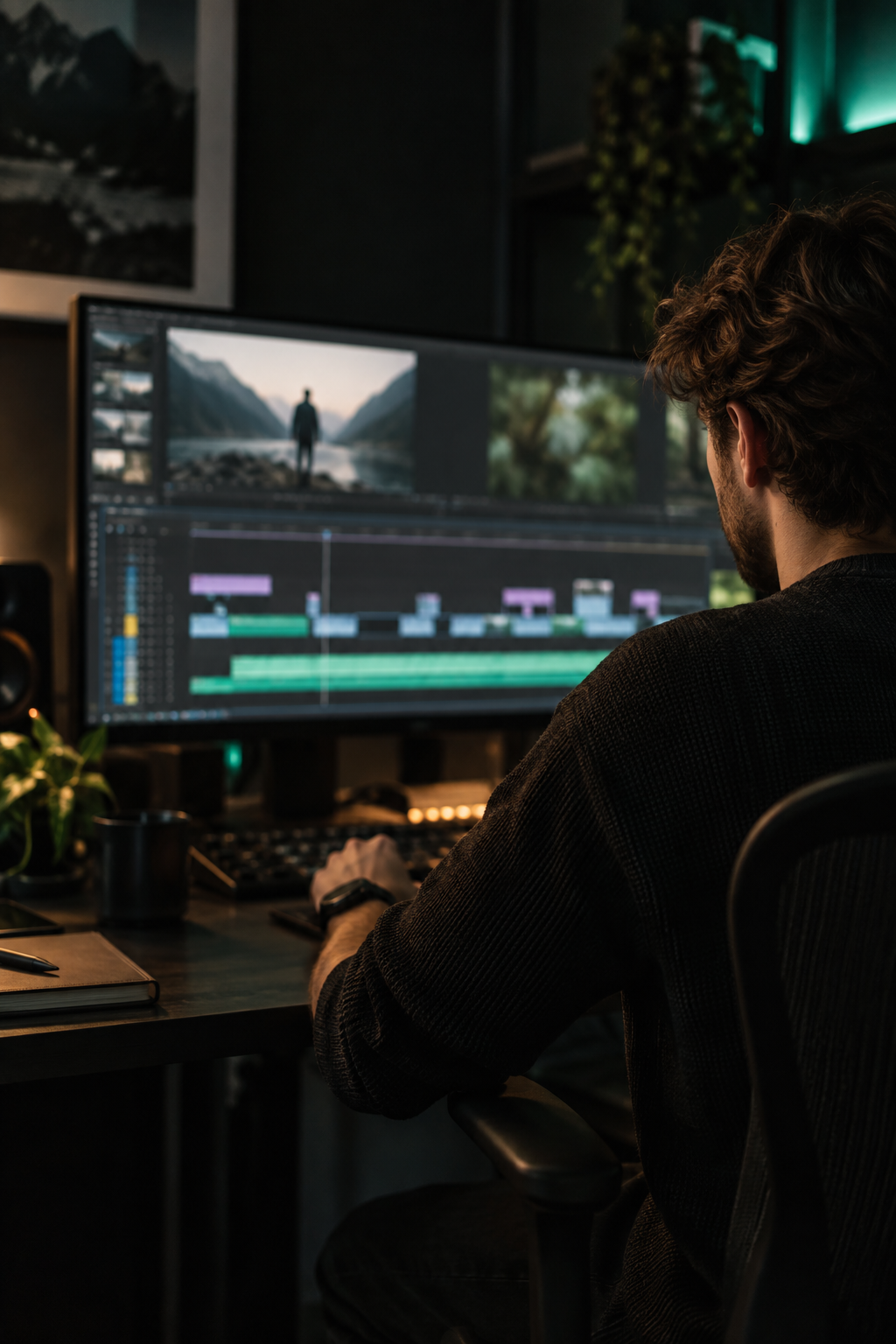
Creator editing at a workstation

Learn the edit. Find your style. Make something worth watching.

SKILL STREET / MAKE IT REALSCROLL TO EXPLORE ↓

Creative skill is built in the making.

LEARN THE CRAFT.
MAKE IT YOURS.

From the first cut to the final frame, explore the skills behind work you actually want to share.

See what you'll learn ↗

What you'll learn at Skill Street

1

Advanced
Video Editing

Make every cut mean something. Shape footage into rhythm, feeling, and a story people want to finish.

See the editing styles ↗
PrAeDaV
  • Pacing and storytelling
  • Motion and transitions
  • Color and final polish
2

Content
Creation

  • Find the idea
  • Shape the message
  • Make it worth sharing
Aa
→
3

Graphic
Design

  • Type and layout
  • Visual direction
  • Details that matter
□✳
NEW4

AI Creative
Program

Make images, motion, and first builds with a practical AI workflow.

ChatGPTClaudeMidjourneyRunway
View the program ↗

See the style.
Learn the move.

Editing is a feeling before it's a technique. Explore three visual directions you can study and make your own.

01 / 03

Reference clips illustrate the editing styles you can study.

WHY SKILL STREET?

Learn
the skill.
Try the
idea.
Skill Street fingerprint mark
Make
the work.
Show
the world.

From first try to finished work.

Learn the craft, make creative decisions, and build something you can put your name on.

Choose your course

Choose your course.

Pick a course and start making work that feels like yours.

01 / THE CUT

VIDEO EDITING

For people who want to tell stories through footage, rhythm, sound, and motion.

Enrollment opening soon
Explore the styles ↗WHAT YOU'LL EXPLORE
  • Story and pacing
  • Motion and transitions
  • Finishing a strong edit
03 / THE FRAME & VOICE

DESIGN + CONTENT

For ideas that need a look, a message, and a reason for people to care.

Enrollment opening soon
See how we learn ↗WHAT YOU'LL EXPLORE
  • Type and composition
  • Ideas and storytelling
  • Making work worth sharing

Enrollment and pricing for Video Editing, Graphic Design, and Content Creation will be announced here. AI Creative Program enrollment link is coming soon.

Tools for the
work you want to make.

Explore the editing and AI tools that shape modern creative work.

PrPremiere Pro
AeAfter Effects
DaVDaVinci Resolve
ChatGPT
Midjourney
Runway
Claude
Kling
ElevenLabs
Gemini
Luma
HeyGen
Tool availability varies by course. See each course page for its current curriculum.

Made to
be shared.

What progress could sound like when the work finally leaves the drafts folder.

01 / 03
“I stopped collecting tutorials and finally finished a cut I wanted people to see.”
Devika Nair
01 / 03

Illustrative names and quotes. Verified student feedback will replace these samples.

Got questions?

Do I need experience to start?+

No prior experience is needed for the AI Creative Program. Other course entry requirements will be listed when enrollment opens.

What courses can I explore?+

Skill Street covers Video Editing, Graphic Design, Content Creation, and the AI Creative Program. Full details for the first three are being prepared.

How much is the AI Creative Program?+

The current offer price is ₹7,500. The program includes self-paced lessons and ongoing course updates.

Are there weekly live sessions?+

The AI Creative Program does not include weekly live sessions. You can work through it at your own pace.

How do I enroll?+

WhatsApp enrollment for the AI Creative Program will be added when Skill Street provides its contact number. The other courses will show enrollment details when they open.


STOP SAVING IDEAS.
START MAKING.

Choose your course and make your first move.

Explore courses